
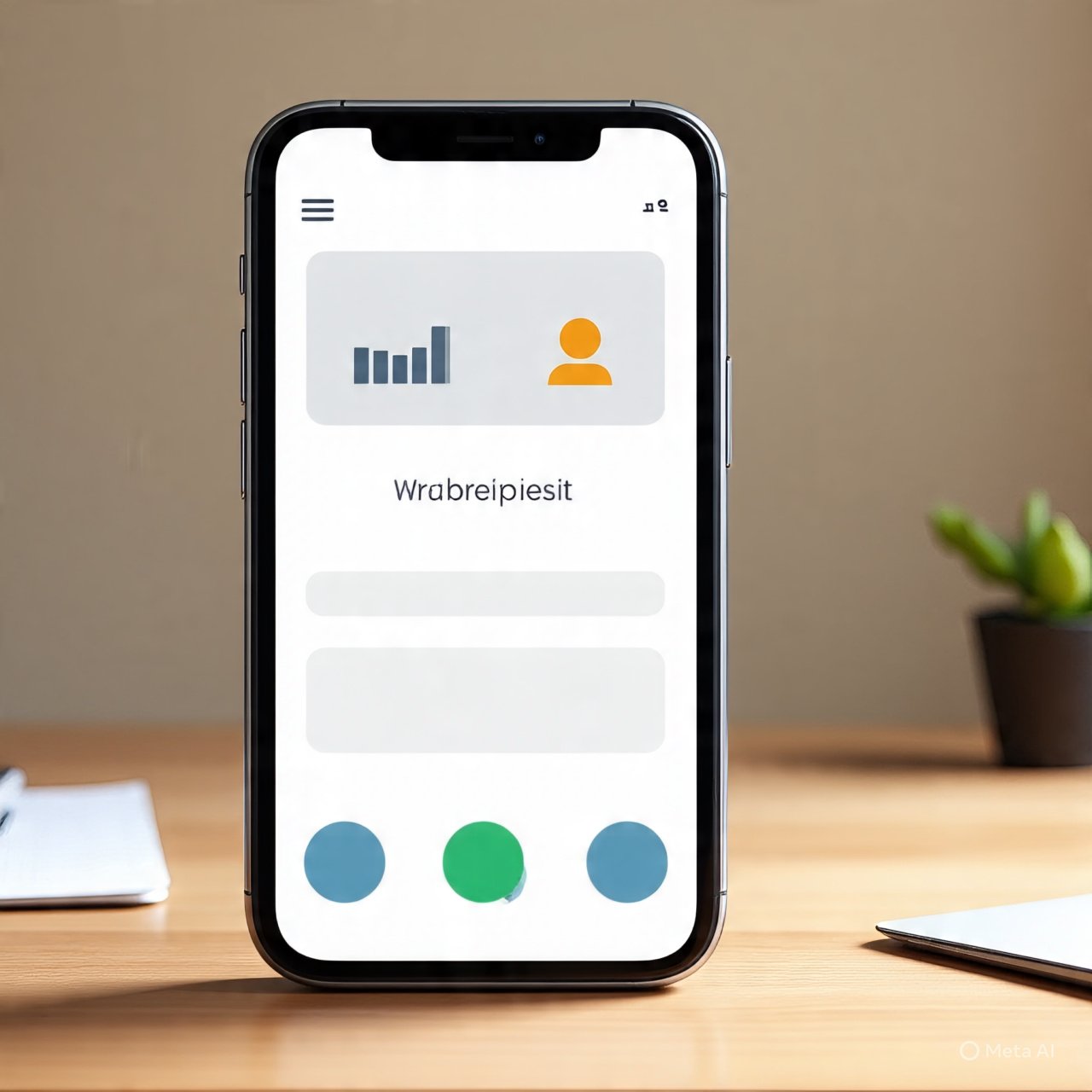
The way people browse, shop, and interact online has changed dramatically in the past decade. Mobile devices are no longer just an alternative to desktop—they’re the primary screen for most users. According to Statista, over 60% of global web traffic now comes from smartphones, and that number keeps climbing. This means designing with a “mobile-first” mindset is no longer optional—it’s essential for brands, businesses, and creators.
Whether you’re building a website, launching an e-commerce store, or experimenting with a free logo creator online, mobile-first design ensures your work looks polished, accessible, and effective where it matters most: in the palm of your audience’s hand.
The good news? Mobile-first design isn’t about limiting creativity. Instead, it’s about prioritizing usability, clarity, and speed. Done right, it leads to cleaner, smarter designs that scale beautifully across devices.
What Does “Mobile-First” Actually Mean?
At its core, mobile-first design is about starting with the smallest screen and scaling up, rather than the other way around. Traditional web design often began with desktop layouts and later adapted them for phones—a process that usually felt clunky.
With mobile-first, you design for the simplest, most constrained environment first. This forces you to:
- Prioritize essential content.
- Simplify navigation.
- Optimize performance for speed.
When you later expand to tablets or desktops, you can add layers of detail without cluttering the mobile experience.
Why Mobile-First Design Matters
1) Mobile Dominates User Behavior
Research shows that users check their phones hundreds of times per day, spending an average of 3–4 hours daily on mobile apps and browsers. If your site or app isn’t optimized for that, you risk losing visitors instantly.
2) Google Prioritizes Mobile
Google has fully embraced mobile-first indexing, meaning it ranks websites primarily based on their mobile version. If your mobile site loads slowly, has poor usability, or is hard to navigate, your SEO will take a hit.
3) Conversions Happen on Mobile
From shopping to booking services, users are more likely to complete actions directly on their phones. A smooth mobile experience translates to higher conversion rates, while a clunky one can cause abandonment in seconds.
Core Principles of Mobile-First Design
Keep Navigation Simple
Mobile screens are small. Overly complex menus frustrate users and increase bounce rates. Stick to a hamburger menu or a few top-level links that expand as needed.
Actionable tip: Place CTAs (call-to-action buttons) like “Shop Now” or “Sign Up” in thumb-friendly zones (bottom-center or bottom-right of the screen).
Optimize for Speed
Research by Google shows that 53% of mobile users abandon a site if it takes longer than 3 seconds to load. Heavy images, unnecessary scripts, and uncompressed files are major culprits.
Actionable tip: Compress images, use lazy loading, and minimize redirects. Tools like Google PageSpeed Insights can highlight what’s slowing you down.
Prioritize Content Hierarchy
Mobile-first design forces you to strip away the non-essential. Lead with the most important message—your headline, product name, or offer—before secondary details.
Actionable tip: Think of it as writing a news headline: make sure users get the “what and why” instantly without scrolling.
Make Text and Buttons Readable
Tiny fonts and microscopic buttons are a usability nightmare. Stick to 16px or larger font sizes and ensure buttons are at least 44px tall (Apple’s recommendation) so they’re easily tappable.
Responsive Design vs. Mobile-First
You’ve probably heard the term responsive design—layouts that adjust to different screen sizes. While related, responsive design and mobile-first design aren’t identical.
- Responsive design: Adapts layouts fluidly across devices.
- Mobile-first design: Builds from the smallest screen up, ensuring the mobile experience is prioritized, not just adjusted.
Together, they create flexible, user-friendly designs that look good everywhere.
Real-World Examples of Mobile-First Success
- Airbnb: Their app-like mobile site uses large images, clear CTAs, and simple navigation—perfect for travelers booking on the go.
- Shopify stores: Many merchants succeed because Shopify themes are designed mobile-first, focusing on speed and checkout simplicity.
- Medium (blogging platform): Prioritizes legible fonts, white space, and smooth scrolling—proof that minimalism works.
Tools to Help You Design Mobile-First
- Figma & Sketch: Great for prototyping and testing layouts across screen sizes.
- Google Mobile-Friendly Test: Free tool to check if your site meets mobile usability standards.
- Canva & Adobe Express: Easy to create visuals sized specifically for mobile feeds and stories.
- Responsive Design Mode (in browsers): Test how your site looks on various devices instantly.
Common Mistakes to Avoid
- Hiding content: Don’t strip down too much—mobile users still want substance.
- Overloading with pop-ups: Intrusive modals are frustrating on small screens.
- Neglecting landscape orientation: Many users tilt their phones; make sure your design still works.
- Forgetting accessibility: Ensure high contrast, alt text for images, and keyboard/touch-friendly navigation.
Action Plan: How to Go Mobile-First Today
- Audit your current website with Google’s mobile test.
- Simplify your homepage—one message, one clear CTA.
- Optimize media—compress images and videos.
- Test on real devices, not just desktop simulators.
- Gather feedback from mobile users and iterate.
Final Thoughts
Designing for mobile-first audiences isn’t about shrinking your desktop site—it’s about rethinking design from the ground up to fit how people actually browse today. By focusing on clarity, speed, and usability, you’ll create digital experiences that feel natural, engaging, and effortless.
Remember: mobile-first isn’t just a design principle—it’s a user-first philosophy. When you prioritize what matters to people on the go, you not only win attention—you earn trust, loyalty, and conversions.